How to edit Knowledge Base articles
1 minute read
How do I update an existing Knowledge Base article?
Once you've created a Knowledge Base article, you can make changes to it anytime and apply those changes instantly.
Please note: Only administrators & agents with permission can edit Knowledge Base articles.
To edit an existing Knowledge Base article, please go to the Admin panel - Knowledge Base - Articles - then search for the article you wish to edit:

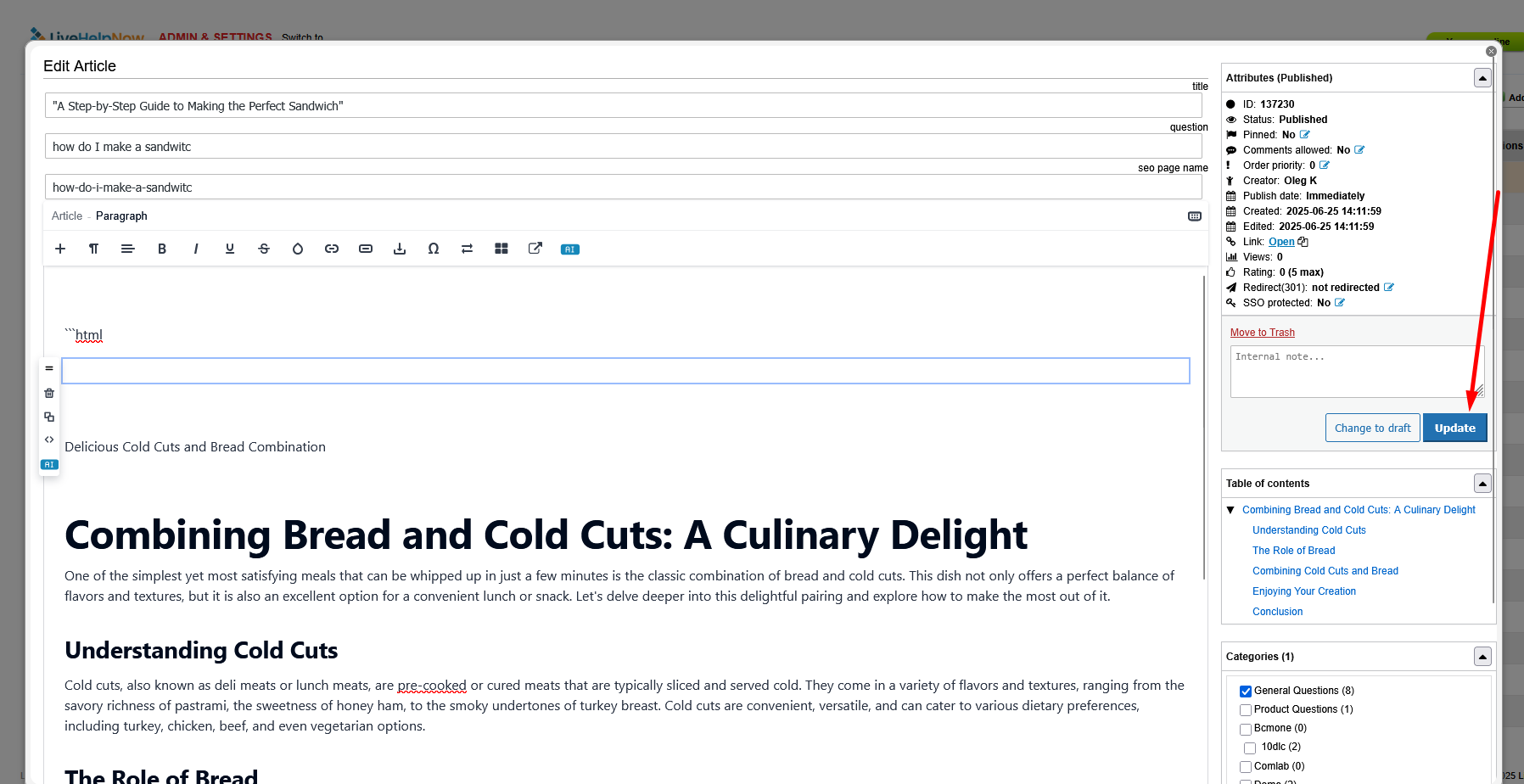
Once you locate the article you wish to edit, click on it, then on the next screen you can make your changes and click update to save them: